PNG to SVG Converter That Redraws Images as Real Vectors

Upload a PNG logo, icon or sticker. The AI traces every edge into smooth vector paths, so the SVG stays sharp on a website, a cutting machine or a billboard.

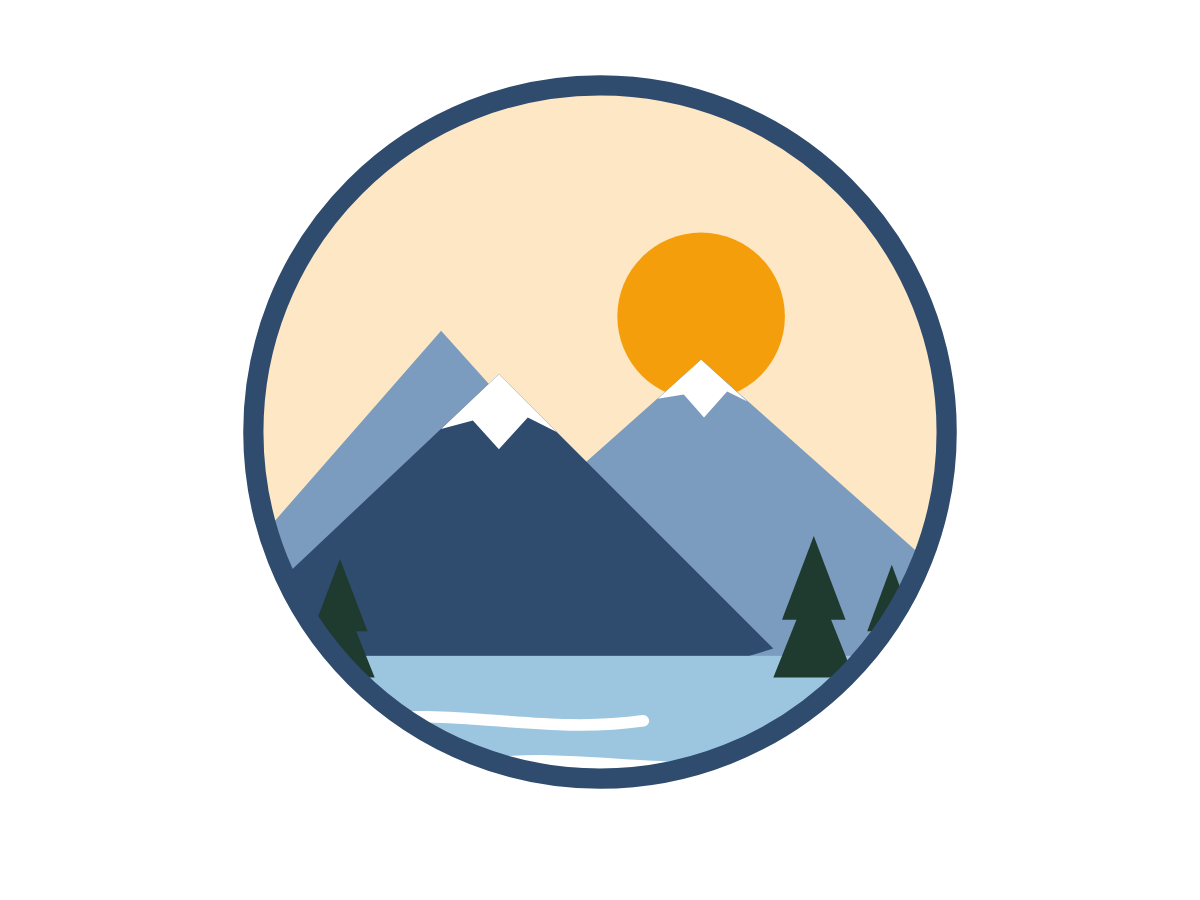
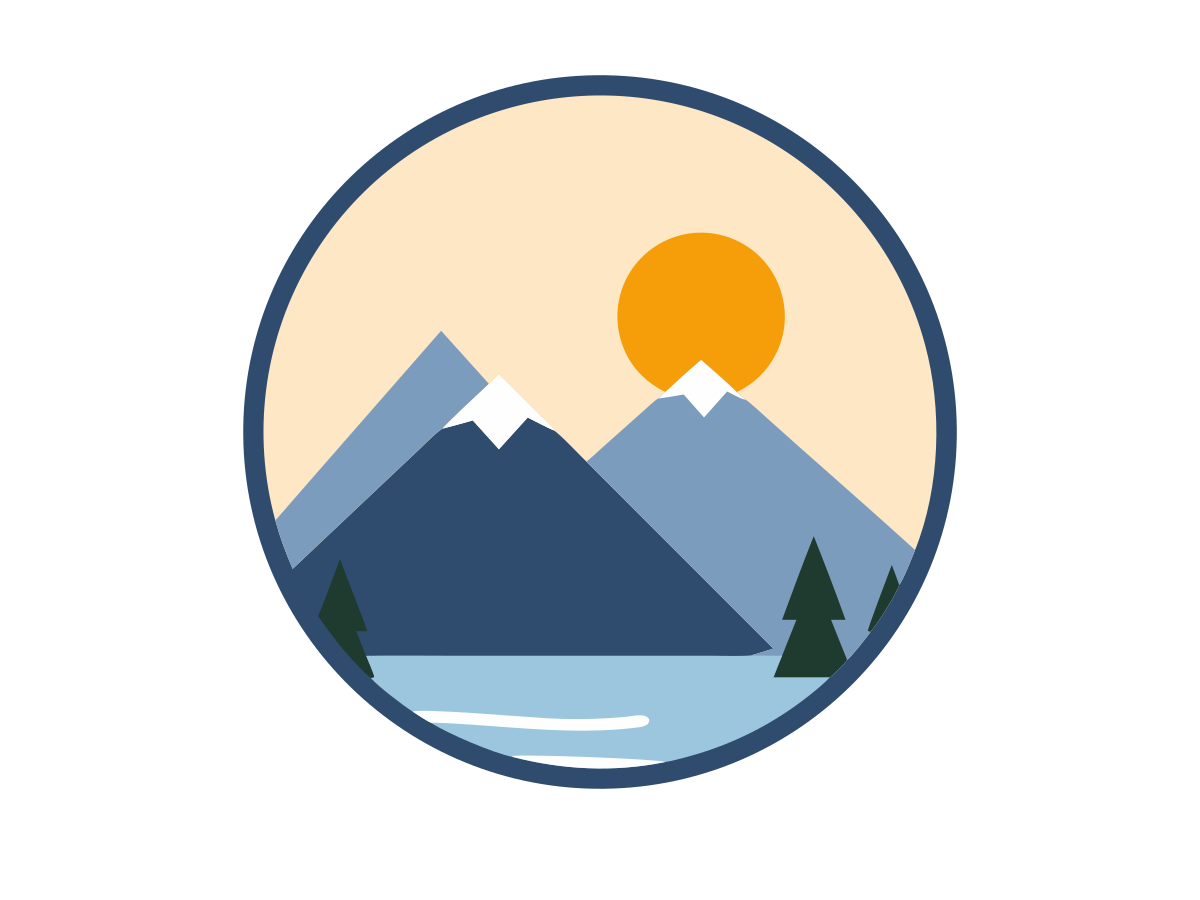
The same badge after PNG to SVG conversion: flat vector shapes that stay sharp at any sizeA mountain badge saved as a transparent PNG, the raster image you uploadPNGSVG

Watermarked trial preview. When you vectorize image files for a clean download, it costs 10 credits and every format is included.

Download as

svgepspdfdxfpngaig-codecricut
  • Encrypted upload
  • Watermarked preview first
  • Commercial use included
  • AI vector tracing
  • Transparency kept
  • Real paths, no pixels
  • Free watermarked preview

What the AI puts in your SVG

Real SVG paths, not a PNG in a wrapper

Each colour area of the PNG is redrawn as a filled path of lines and Bézier curves. There is no bitmap hidden in the file, so a PNG to SVG logo stays sharp from a favicon to a poster and can be selected shape by shape in an editor.

Transparency is kept

Empty pixels in a transparent PNG stay empty in the SVG. A solid white box can be dropped on the result page with the transparent-background switch, so a sticker or website header sits on any colour without a second trip through a mask tool.

Colours stay editable

The Standard style keeps every colour the AI finds. After the PNG to SVG preview appears you can cut the palette down, recolour one shape to match a brand, or switch to Cut-ready for Cricut without starting a new conversion.

One unlock, the other formats too

The SVG is the file this page is for. The same 10 credits also write EPS and PDF for print, DXF and G-code for a laser, and a high-resolution PNG for mockups, so a second format never costs a second conversion.

What PNG to SVG conversion really means

A PNG is a raster file: a grid of coloured pixels, often with a transparent channel so a logo can sit on any background. SVG is a vector file. It stores shapes as coordinates and curves, not as a bitmap. A PNG to SVG conversion therefore has to redraw every edge.

Changing the extension, or wrapping the PNG inside an SVG with an image tag, keeps the pixels. Enlarge that file and the stairs come back; a cutter cannot follow it. Many free converters take exactly that shortcut, or follow every pixel with a single brightness threshold.

We run an AI tracer on the uploaded PNG, fit smooth curves to the colour areas, and write a standard SVG of filled paths. Transparent pixels stay empty. The watermarked preview is free; a clean PNG to SVG download costs 10 credits and includes EPS, PDF, DXF and PNG of the same trace.
How to convert PNG to SVG in three steps

The watermarked preview is free, so you can judge the AI trace before you spend a credit.

  1. Step 1: Drop the PNG

    Drop a PNG into the box above, or paste it from the clipboard, up to 5 MB. JPG and WebP are accepted too. A check warns you if the file is tiny or blurry. Keep Standard when you want every colour; use Cut-ready when the job is vinyl.

  2. Step 2: Check the AI trace

    In about 10 to 20 seconds the vector preview sits next to the PNG. Zoom in, drop the background, lower the colour count, or try Retry in HD when a small file looks soft. Switching style is free and does not start a new upload.

  3. Step 3: Download the SVG

    Press Download SVG (10 credits) after you sign in. The clean PNG to SVG file saves at once. EPS, PDF, DXF and the smaller web SVG of the same trace stay available at no extra cost. The watermarked PNG is always free.

A transparent PNG mountain badge on the left and the same design rendered from the PNG to SVG vector file on the right
The PNG and its SVG side by side
The PNG badge zoomed in before tracing, showing square pixels along the mountain edge
Step 1: the PNG pixels you upload
The same mountain edge as SVG vector paths with outlines and pink anchor points
Step 2: the AI traces vector paths
The downloaded SVG rendered much larger, with crisp curves on the badge instead of pixel stairs
Step 3: the SVG still sharp when enlarged

Why use this PNG to SVG converter

You see the paths before you pay

The preview is the real trace, not a mock-up, so a bad PNG costs nothing. If the PNG to SVG result is wrong, change the style for free. Retry in HD costs 5 extra credits and upscales before a new trace. The clean download is 10 credits.

Curves instead of pixel stairs

Threshold tracers copy the pixel grid, so circles gain facets and letters get jagged. The AI fits Bézier curves to the edges it finds, which keeps a badge round where it should be round and straight where it should be straight.

Honest about upload and storage

This page requires an upload. The PNG is sent to our server so the model can trace it. Files are stored privately and deleted after 24 hours. We are not a no-upload, browser-only tracer, and we do not keep files to train models.

Private files, gone the next day

Uploads and results are not published or shared. After 24 hours they are removed from storage. Convert only images you own or have permission to use, such as your own logo or a drawing you made.

PNG to SVG recipes for real jobs

Transparent logo for print and web

Input
A 1,200 px PNG logo with a clear background, saved from your own files.
Setting
Standard style, Transparent background on, then SVG.
Output
A PNG to SVG logo that scales from a header to a shop sign.
Watch out
Only convert logos you own or have permission to use.

Icon for a website or app

Input
A two-colour PNG icon on white, about 512 px.
Setting
Clean & simple, two colours, drop the background, then the web SVG.
Output
A small SVG you can inline and recolour with CSS.
Watch out
Hairline strokes may merge; thicken them in the source first.

Cricut or Silhouette cut file

Input
A bold PNG sticker with a few flat colours.
Setting
Cut-ready style, then SVG or the Cricut ZIP.
Output
Layered cut paths without a background rectangle.
Watch out
Details under about 1 mm are hard to weed after cutting.

Screenshot of a flat graphic

Input
A PNG screenshot of an icon or diagram, cropped tight.
Setting
Standard or Clean & simple, then SVG. Retry in HD if the crop is small.
Output
Editable paths instead of a soft screenshot.
Watch out
A photo of a screen at an angle will trace the glare as extra shapes.

Tips for a clean SVG from a PNG

  • Start from the largest PNG you have. A logo around 1,000 px wide traces far more cleanly than a 128 px favicon. Retry in HD (5 extra credits) upscales a small file before the PNG to SVG trace.
  • Flat artwork converts best: logos, icons, stickers and clip art with solid colours. Photos become a poster of colour patches and a large SVG.
  • If the PNG already has a transparent background, leave it. If it sits on a white box, turn Transparent background on before you download.
  • Lower the colour count when compression noise created extra specks. Four or six colours often looks cleaner than keeping every near-duplicate tone.
  • For a website, take the web SVG export: it trims unused attributes and rounds coordinates. For Cricut, use Cut-ready, then the SVG or the Cricut ZIP.

What this PNG to SVG page does not do

This converter requires an upload; it is not a no-upload tool that stays in the tab. We do not wrap a PNG inside an SVG, convert an animated PNG into an animated SVG, or write native Adobe Illustrator documents — the .ai download is a PDF that Illustrator opens. Photos can be traced, but the result is a stylised poster, usually larger than the PNG. Text becomes outlines, not editable type. The watermarked preview is free; a clean PNG to SVG download costs 10 credits, from the $6.99 Starter Pack or a $9.99 monthly plan.

Frequently asked questions about PNG to SVG