
Vectorize Image Online — PNG, JPG and WEBP to Clean Vectors
Vectorize image files from a PNG, JPG or WEBP in the browser and get real vector paths back. A PNG to SVG file is one of the downloads, along with EPS, PDF and DXF. Try the watermarked preview, then pay credits for the clean file.
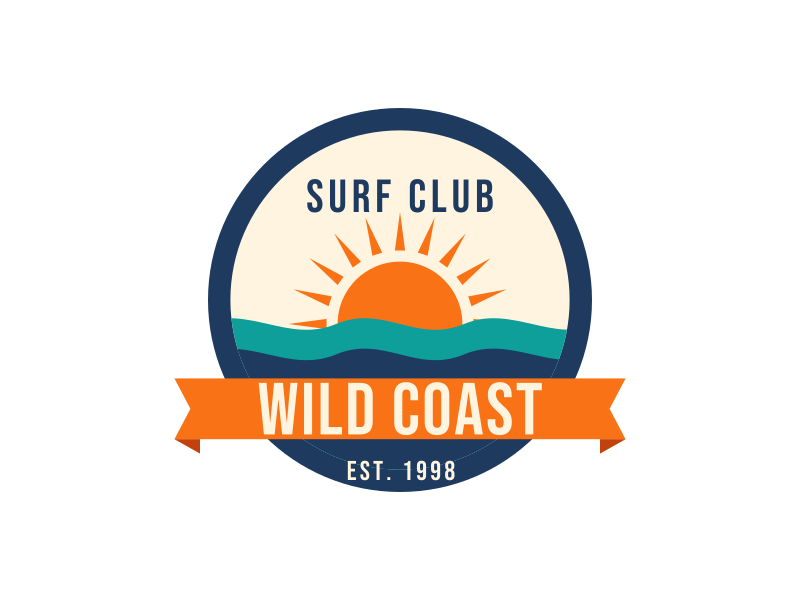
 BeforeAfter
Sample artwork that shows how we vectorize image files.
Watermarked trial preview. When you vectorize image files for a clean download, it costs 10 credits and every format is included.
Download as
- Encrypted upload
- Watermarked preview first
- Commercial use included
- True vector paths
- Color layers kept
- Transparent background
- Sharp at any size
Vectorize Image Files in 3 Steps
Nothing to install. Vectorize image uploads here, check the watermarked trial, and pay only when you download.
1Upload your picture
Drop in a PNG, JPG or WEBP when you vectorize image artwork. Logos, scans, phone photos of a drawing and screenshots all work. Crop borders and background clutter first, because they become extra shapes.
2Check the watermarked preview
The trace rebuilds each edge as smooth curves and merges flat colors into layers. This trial preview is watermarked so you can judge the result before you pay.
3Pay and download
Sign in and spend 10 credits for the clean file. After you vectorize image files you can take SVG, EPS, PDF, AI, DXF or G-code, including a PNG to SVG download for cutters and the web.
- Vectorize image
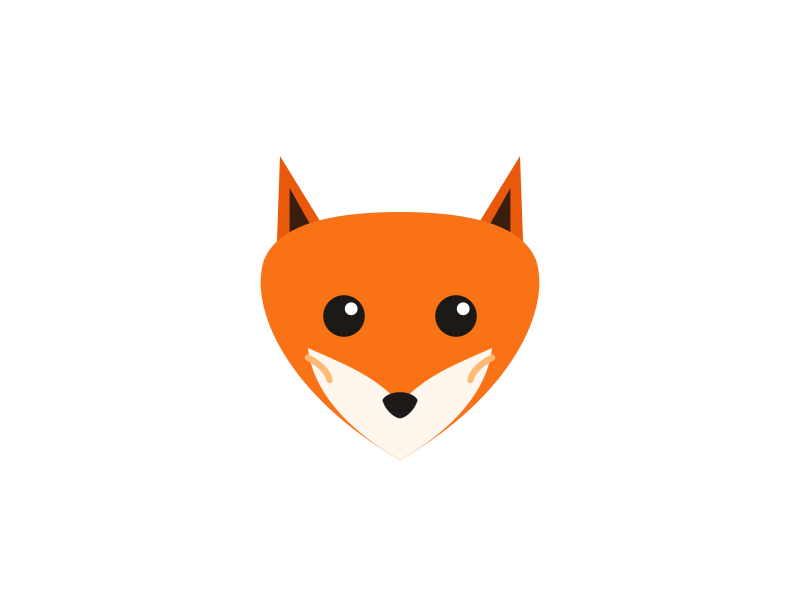
 BeforeAfter
What Happens When You Vectorize Image Files
A PNG or JPG is a grid of pixels. Enlarge it and the edges turn into stairs, which is why a logo copied from a website prints badly on a shirt or a banner. When you vectorize image files, those pixels are replaced by shapes: lines, curves and fills. The same file stays sharp on a business card and on a billboard.
To vectorize image artwork, the model looks for real edges, looks past JPEG noise, and fits curves that follow the design. Areas of one color become single shapes, so you can recolor a piece without repainting the rest. A photo, full of soft tones, comes back as a poster of those shapes rather than a photographic copy.
The file is what print shops, cutters and lasers ask for, and it is smaller than a huge PNG of the same sharpness. Open it in Illustrator, Inkscape, Affinity Designer or Cricut Design Space and each shape can be selected. You also get a PNG to SVG path file, not a PNG wrapped inside an SVG.
Vectorize Image Results Are Real Paths, Not Pixels in Disguise

Embedded-pixel “SVG”
- Still made of pixels inside the file
- Blurs as soon as you scale it up
- Cutting machines and lasers can't follow it
- You can't recolor individual shapes

VectorizeImage output
- Every shape is an editable path
- Stays sharp at any size
- Machines can cut and engrave along the lines
- Change colors shape by shape
Formats After You Vectorize Image Artwork
One payment covers the whole set, so you do not pay again for the same design. SVG is the master file, and a PNG to SVG download is included with EPS, PDF, DXF, AI, G-code and a high-resolution PNG.

SVG
The standard for the web and cutting machines. Upload it to Cricut Design Space, Silhouette Studio, Canva or Figma, or drop it into a website.

EPS
The file most print shops, screen printers and sign makers ask for. Opens in Illustrator and CorelDRAW.

A vector PDF that stays sharp when a printer scales it, easy to email to a client or a copy shop.
DXF
Closed outlines for laser cutters, CNC routers and CAD programs, so the machine can follow every edge.

PNG
A crisp, high-resolution PNG with a transparent background, rendered from the vector for slides and mockups.
When you vectorize image uploads, we accept PNG, JPG/JPEG and WEBP up to 5 MB and 4,096 px on the longest side. Images of 500 px or more give the cleanest curves.
More Than a Single SVG
After you vectorize image files, the same unlock also writes what a printer, a laser or an embroidery machine asks for.
Sharp at any size
The SVG stores curves, not a fixed grid, so one file holds from a tiny icon to a banner. You do not export a new resolution for each size.
Print-shop files
EPS, PDF and AI open in Illustrator and CorelDRAW when a printer or a sign maker asks for vectors instead of a PNG.
Cutters and lasers
DXF and G-code give a laser or CNC closed outlines to follow. Cricut Design Space and Silhouette Studio read the SVG as separate shapes.
Embroidery stitches
The same shapes can be filled as stitches and saved as DST, PES and JEF. That is a sewing pass on top of the trace, not a second drawing.
Who Uses VectorizeImage
People who vectorize image files for a machine, a printer or a designer.

Cricut and vinyl crafters
Turn a clip-art PNG or a hand-drawn design into a cut file that Design Space can split into layers.
Laser and CNC makers
Get outlines you can engrave, score or cut without spending an evening redrawing a customer's logo.
Print shops and screen printers
Customers send a tiny logo from their website. Send back a vector proof and print the job at full size.
Small businesses
Lost the original logo file? Rebuild it from the version on your website or business card for signs, vans and uniforms.
Etsy and print-on-demand sellers
Scale designs for mugs, shirts and stickers without soft edges, and keep a master vector of every product.
Designers
Skip hours of pen-tool tracing. Start from an accurate vector and spend your time on the design itself.
How to Vectorize Image Files Cleanly, and What AI Can't Do
Use the largest version you have
A 1,000 px logo traces far better than a 150 px icon saved from a browser tab.

Crop tightly
Extra background, borders and watermarks become shapes you will have to delete later.
Flat colors convert best
Logos, icons, line art, badges and cartoons come out clean and compact.
Photos become artwork
A portrait turns into a posterized illustration made of color shapes, not a photo-realistic vector.
Tiny text may need a touch-up
Letters only a few pixels tall in the original can merge. Retype them in your editor if needed.
Convert only what you may use
Vectorizing a logo doesn't change who owns it. Upload images you own or have permission to use.
Your Files Stay Yours
When you vectorize image uploads, they travel over an encrypted connection and are processed only to create your vector. Uploaded images and results are deleted from our storage automatically after 24 hours, and you keep full rights to everything you download, including commercial use.
Vectorize Image Pricing: Pay Only for Clean Downloads
The watermarked preview is a trial. A clean download costs 10 credits and includes every format.
Starter Pack
$6.99one-time
$0.28 per image
- 250 credits (about 25 images)
- Credits never expire
- SVG, EPS, PDF, DXF and PNG
- Commercial use
Pro Monthly
$9.99per month
$0.17 per image
- 600 credits every month (about 60 images)
- All formats included
- Commercial use
- Cancel anytime
Pro Yearly
$59per year
$0.08 per image
- 600 credits every month (about 60 images)
- All formats included
- Commercial use
- Billed yearly, save 50% vs monthly
What credits pay for
- Vectorize image10 credits
- Remove the background first+5 credits
- Retry in HD (AI clean-up)+5 credits
Prices in USD. Taxes may apply at checkout.
Frequently Asked Questions
Upload a PNG, JPG or WEBP, check the watermarked trial, then spend 10 credits to download the clean vector as SVG, EPS, PDF, DXF, AI, G-code or PNG. You only pay when you download.
A PNG stores a fixed grid of pixels, so it gets blurry when enlarged. Vector artwork stores shapes as math, so it can be resized, recolored and cut by machines without losing quality.
The watermarked preview is a trial, so you can judge the curves before spending anything. The clean download needs a signed-in account and costs 10 credits per image. The watermarked PNG is free to download; clean files start at $6.99 for 250 credits (about 25 images) or $9.99 a month.
Yes. PNG, JPG and WEBP uploads can come back as a PNG to SVG file, and the same unlock also includes EPS, PDF, DXF, AI and G-code. You do not run a separate converter for each format.
Yes. After you vectorize image files, the SVG is made of standard filled paths that cutting software reads as separate shapes, so you can ungroup, recolor and cut each layer.
You can, and the result is a poster-like illustration made of flat color shapes, not a photographic copy. Logos, line art, icons and lettering convert much more faithfully than a portrait or a landscape.
After you vectorize image files, use SVG for websites and cutting machines, EPS, PDF or AI for print shops, DXF or G-code for laser and CNC, and PNG when you need a crisp image with a transparent background. One unlock includes them all, plus an embroidery stitch file.
Yes. When you vectorize image files you own, or already have rights to, the downloads are yours to use in commercial projects.
When you vectorize image files, uploads are used only to create your vector and are deleted from our storage automatically after 24 hours.
Check the trial preview before you pay. Credits are used only when you download after you vectorize image files. If a downloaded file has a problem, contact us and we will help fix it or return the credit.
Image Trace is a manual tool inside Illustrator: you tune thresholds, and you need the software. Here you vectorize image files in the browser, and you pay only if the watermarked trial looks right.
Most previews are ready in 10 to 20 seconds. A busy illustration or a photo with many colors can take longer. Look at the preview before you spend credits; a fast trace is not a promise that every image will be perfect.
Ready to Vectorize Image Files?
Upload a picture, vectorize image artwork in a watermarked trial, and pay for the clean download only if the curves look right.
Vectorize image